LMP2

ORECA 07 Gibson

Professional SimHub Dashboard
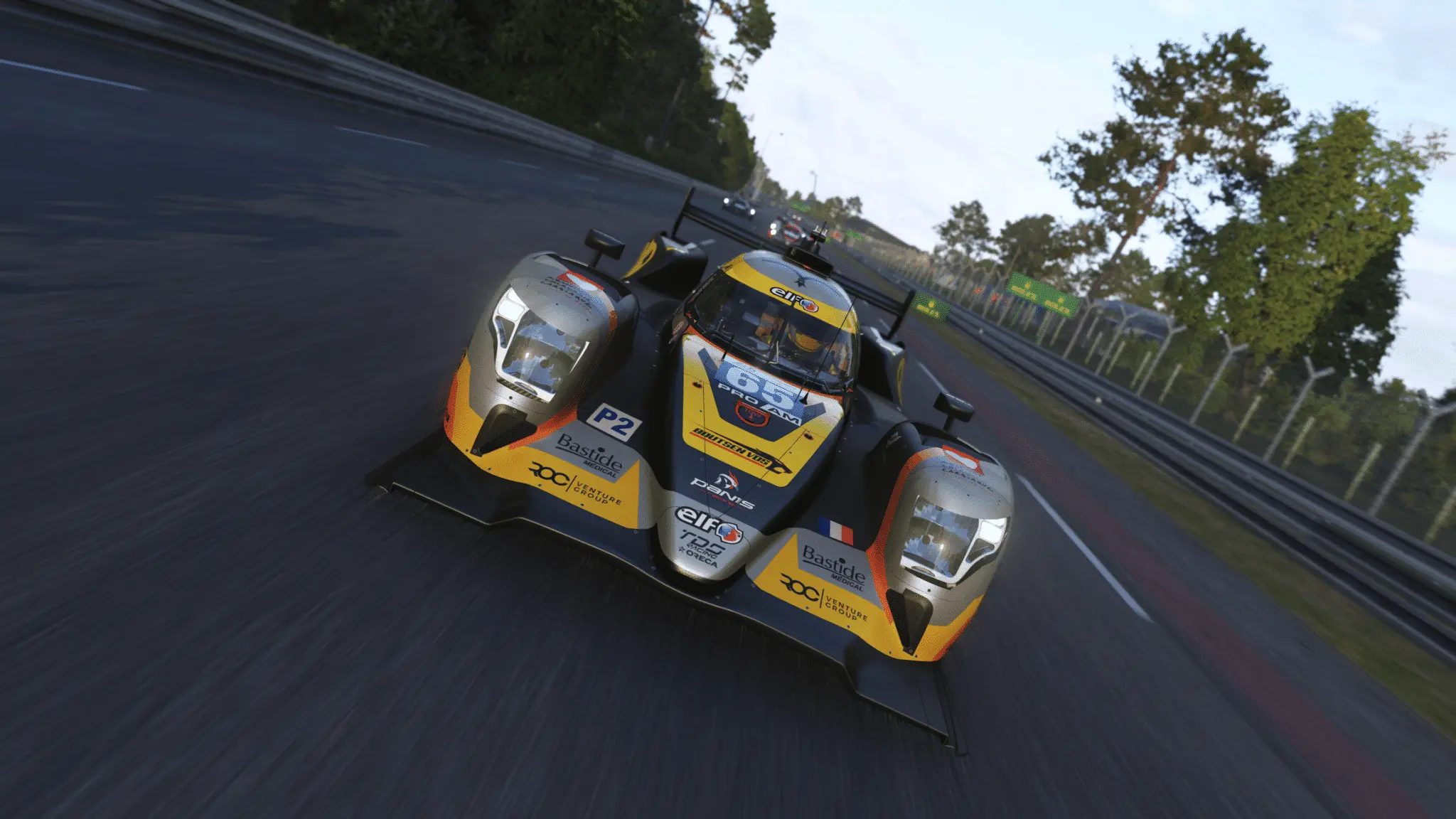
ORECA 07 Gibson Dashboard Preview

Experience the ORECA 07 Gibson like never before with our professionally crafted SimHub dashboard. Designed for competitive racing with precision telemetry and intuitive layouts that keep you focused on performance.

Dashboard Layouts

Specialized layouts designed for different racing scenarios, each optimized for maximum performance and clarity during intense racing sessions.

1
One Page Dashboard
Dynamic Timing & Temp Display
A simplified dashboard where Action Triggers control timing and temperature displays.
  • Action A: Switches upper-left time display between Actual, Best and Predicted Laptime. Background turns green for fastest, red if slower. After sectors 1 & 2, sector times are shown with the same color logic.


  • Action B: Toggles center display between Brake Temps and Tyre Temps.
Required SimHub Configuration

Please map the Next/Previous page buttons and Action A, B, C, D controls in SimHub for full widget functionality across all layouts.

Download ORECA 07 Gibson Dashboard

Get the professional dashboard layouts for the ORECA 07 Gibson.

Installation Guide

1

Download Files

Download the dashboard package and install the custom font on your system.

2

Install Dashboard

Double-click the downloaded file and follow the SimHub modal instructions that appear.

3

Open SimHub

Launch SimHub and personalize your settings to make the dashboard perfectly match your setup.

4

Start Racing

Launch Le Mans Ultimate and enjoy your new professional dashboard setup!